> For the complete documentation index, see [llms.txt](https://docs.skovik.com/llms.txt). Markdown versions of documentation pages are available by appending `.md` to page URLs; this page is available as [Markdown](https://docs.skovik.com/for-employees/report-in-previous-branch.md).
# Report in previous branch
When employees are moved between branches, it’s important to make sure all expenses, drives, and trips tied to their old branch are reported correctly. This is especially critical for company card transactions, which often appear in Skovik a day or two after the purchase date — potentially after a user has already been moved to a new branch.
To help with this, users can now access and report items in their previous branch for a limited time.
### 3-Month access to previous branch
When a user is moved to a new branch they will be able to still access their old branch for **three months**. A notification on the front page will inform about this, along with information on when access will be removed.
### Branch selection on registerables
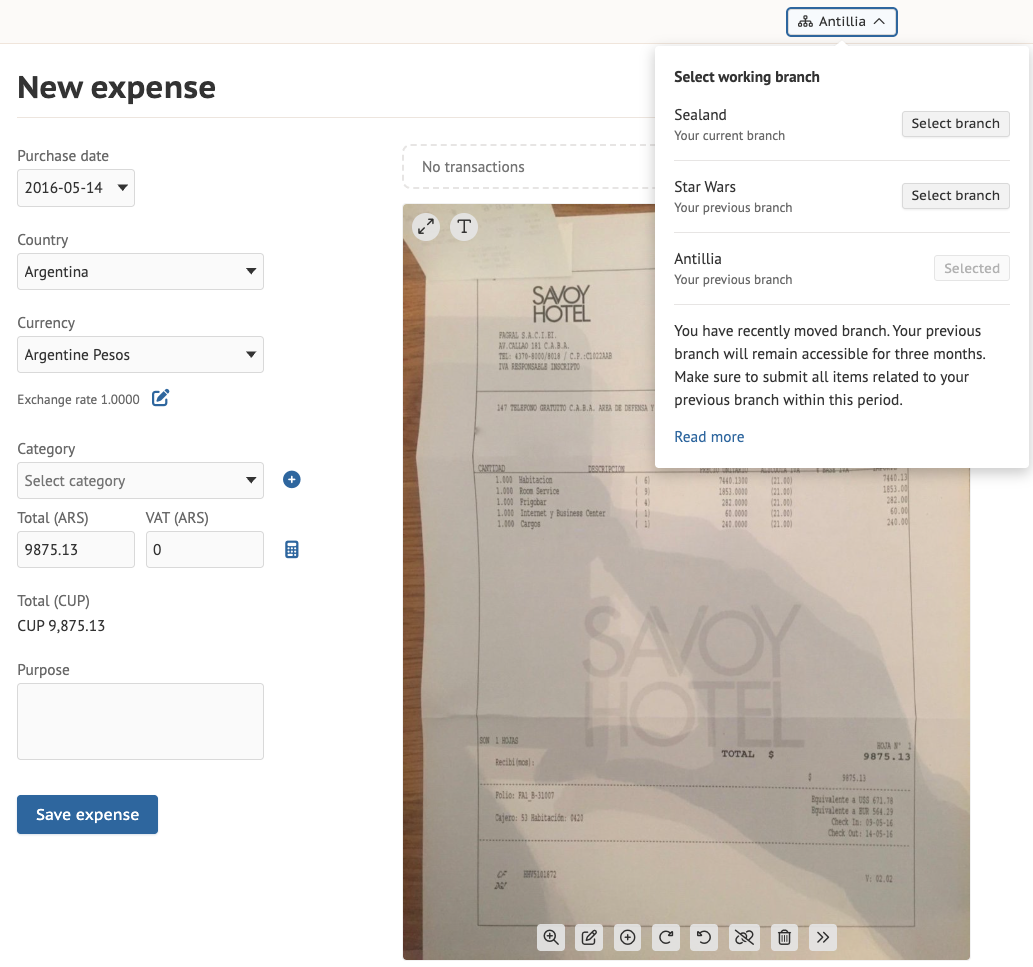
Each registerable page (expenses, drives, trips) includes a **branch selector** in the upper right corner in case you have been moved between branches the previous three months. This allows you to choose which branch the item belongs to. The list of attachable transactions will update depending on the selected branch.
{% hint style="warning" %}
A transaction is locked to the branch in which the purchase was made (the branch the card is connected to) and can not be moved. Once an item is saved to the outbox, it is saved to the branch chosen when registering, and can not be moved.
{% endhint %}
### Outbox view
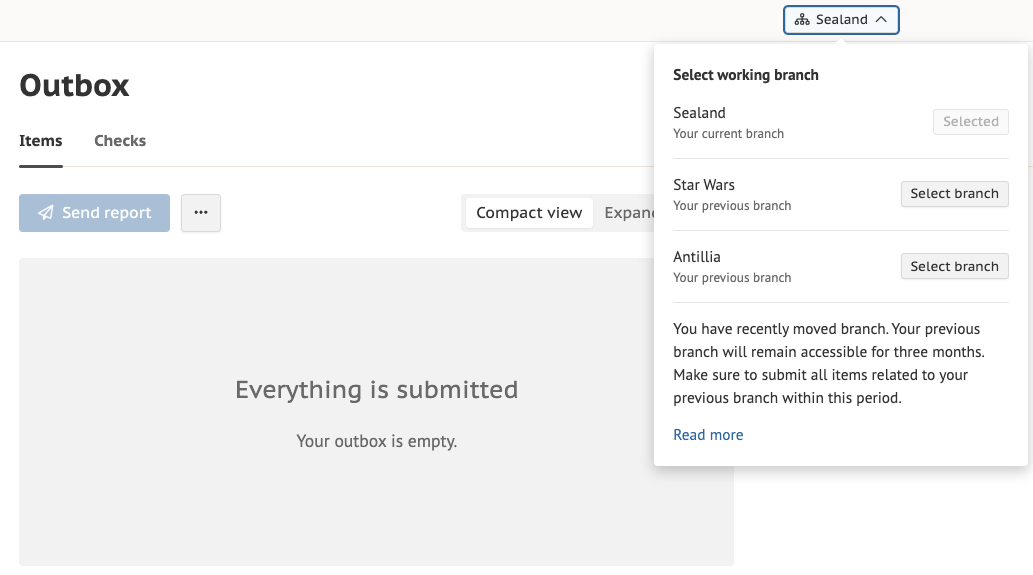
The **outbox** shows the selected branch and will show registerables based on that selection. It also determines which branch the report will be submitted to. You can choose which branch outbox to look at, by toggling the branch selector in the upper right corner.
Clicking the “Read more” link opens a page showing an overview of previous branches as well as their expiration dates.
### Mobile
Branch selection can also be done in the app. Make sure you have the latest app version.
{% hint style="warning" %}
A user can be moved maximum 5 times per month, and will then be locked from moving more until 30 days have passed since the first branch switch
{% endhint %}